- Wooveconnect
- Stability vs speed
Stability vs speed
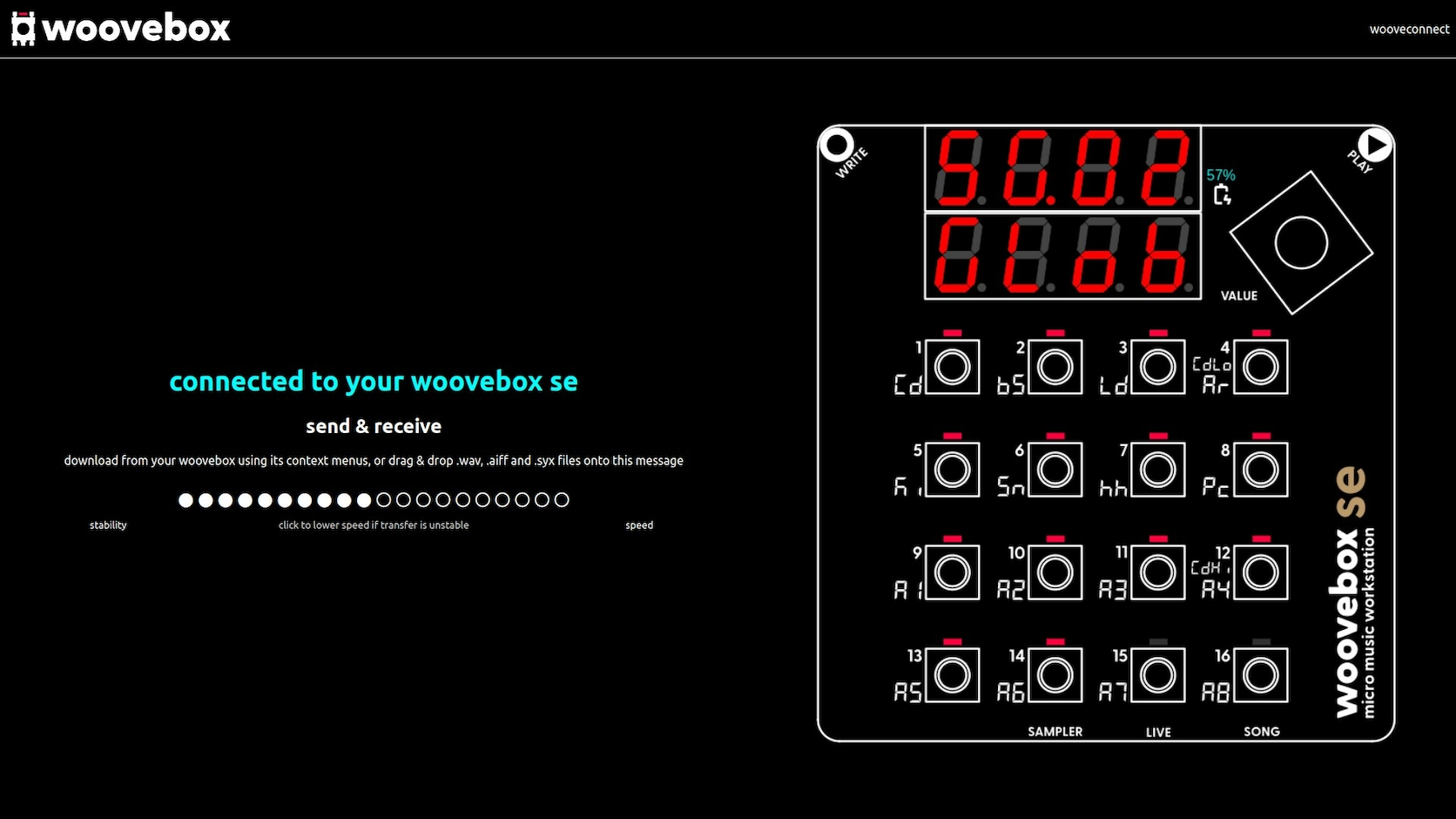
If you find bi-directional connections unstable when uploading data to your Woovebox, you can use the stability vs speed control to tradeoff throughput for stability.
And vice versa, if you have a very stable connection and wish to increase throughput, you may trade stability for increased speed.
If packet loss is detected on a bi-directional connection on firmware 3157+, this setting is automatically adjusted down in an attempt to enhance connection stability.
You may also be interested in...
- Elektronauts Woovebox Thread (under Socials, Discord, and forums)
An active thread on the Elektronauts forums with support, tips, tricks and updates.
- Remote control expander mode (under Guides, tutorials and docs)
Use this mode if your MIDI controller or keyboard is very basic, does not have a sustain pedal, and cannot send control messages on CC#80.
- MIDI out (under MIDI, Sync and connecting other gear)
MIDI CC 71, Filter resonance, sends a track's filter resonance (not sent if using XG/GS NRPN mode instead).
- Expanding your Woovebox with Amiga Soundtracker samples (under Sampler & vocoder)
now select all slices 1-16 you want to additionally change the pitch for.
- Select and initialize a song (under Quick start tutorial and video)
If you wish to select a different song to work on, you can do so by holding play and pressing 1-16 to select song 1 through 16.