- Guides, tutorials and docs
- Firmware updates
Firmware updates
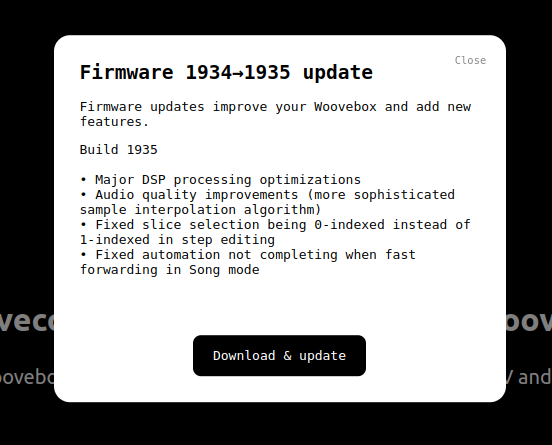
Wooveconnect automatically checks for firmware updates, and - with your permission - downloads them and uploads them to your Woovebox.
Firmware updates may fix bugs and glitches, add new features, optimizations, sounds, and even entirely new synthesizers algorithms and sounds.
You are highly encouraged to make sure you are always running the latest firmware, as some Wooveconnect features (such as song rendering) may rely on having the latest firmware installed.
Firmware SYX
If you cannot update through Wooveconnect for whatever reason (e.g. incompatible browser), you can download the firmware in .SYX format and upload it via a standard SysEx manager.
Firmware revision history
This file can be opened in any text editor and details a full history of fixes, enhancements and new features since release.
Firmware 2.0 marks a milestone in the Woovebox' development. It further expands on the capabilities of the device in ways that rival machines 2x-3x the price and size.
You may also be interested in...
- Terms, Conditions and Warranty (under Shop)
- Randomization (under Guides, tutorials and docs)
- Song mode (under Guides, tutorials and docs)
Song mode on the Woovebox is so powerful in fact, that even a single pattern per track is enough material to create a complex song with.
- i-bVII-bVI-V ("Andalusian Cadence") (under Popular chords)
You can press the 2/bs for A minor, 1/Cd for G major, 8/Pc for F major, and 7/hh key for E major.
- vi-IV-I-V (under Popular chords)
This chord progression is also quite common and is often used in pop, rock, and folk music.